

🔍 Click to enlarge
Image of the brand owner
By the manufacturer
The image may differ from the exact product. Always check the specifications for exact size, colour and features.

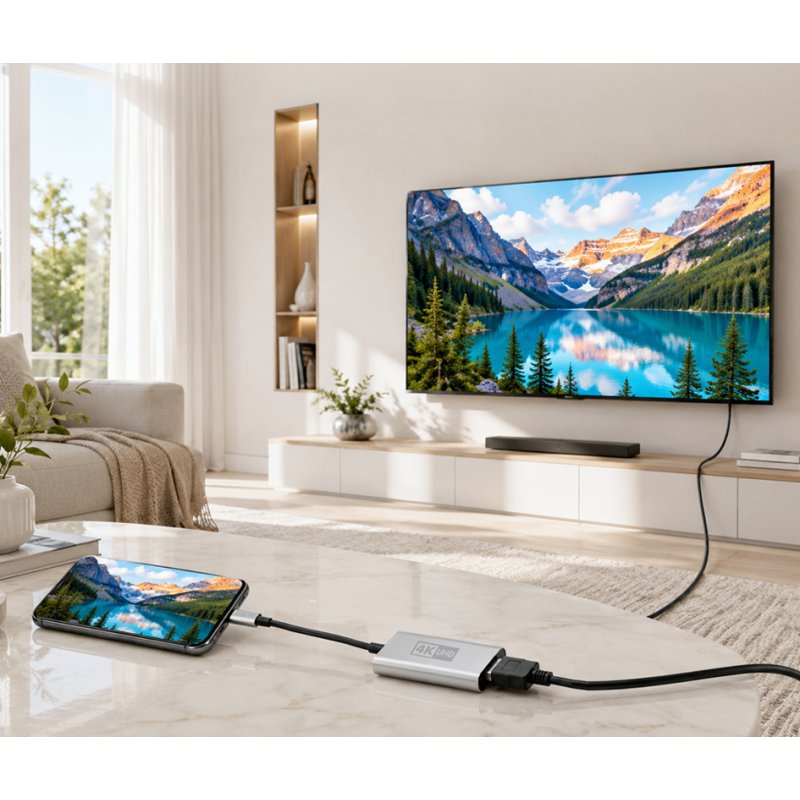
LogiLink USB-C to HDMI adapter cable, 15 cm, black/silver
€8,81
incl. VAT
€7,28 excl. VAT (21%)
Price excluding shipping costs: €4,95 incl. VAT for orders under €49,95. From €49,95 we ship for free.
✓ In stock (4 pieces)
Ordered now, delivered Wednesday
Need more? New stock expected in week 47 (16 November - 22 November 2026).
Place your order and we will ensure timely delivery.
Place your order and we will ensure timely delivery.
📪 Through the letterbox - you don't have to be home!
Brand: LogiLink
This LogiLink product is a German discovery from the XtremeOffice.nl range and is rarely available elsewhere in the Netherlands.
| Article number | 11118656 |
|---|---|
| EAN | 4052792084566 |
| OEM number | CUA0115 |
| Weight | 0,047 kg |
|---|---|
| Dimensions | B: 75 mm × H: 25 mm × D: 138 mm |
| Country of origin | China |
| Customs tariff (HS code) | 84718000 |
| VAT rate | 21% |

This is why Dex likes this article
With this black/silver USB-C to HDMI adapter cable, you can quickly connect a monitor or projector to your laptop or tablet. The gold-plated contacts and double shielding ensure a stable signal, handy for everyday use at the office or at home.
When do you choose this product?
What does this adapter cable do?
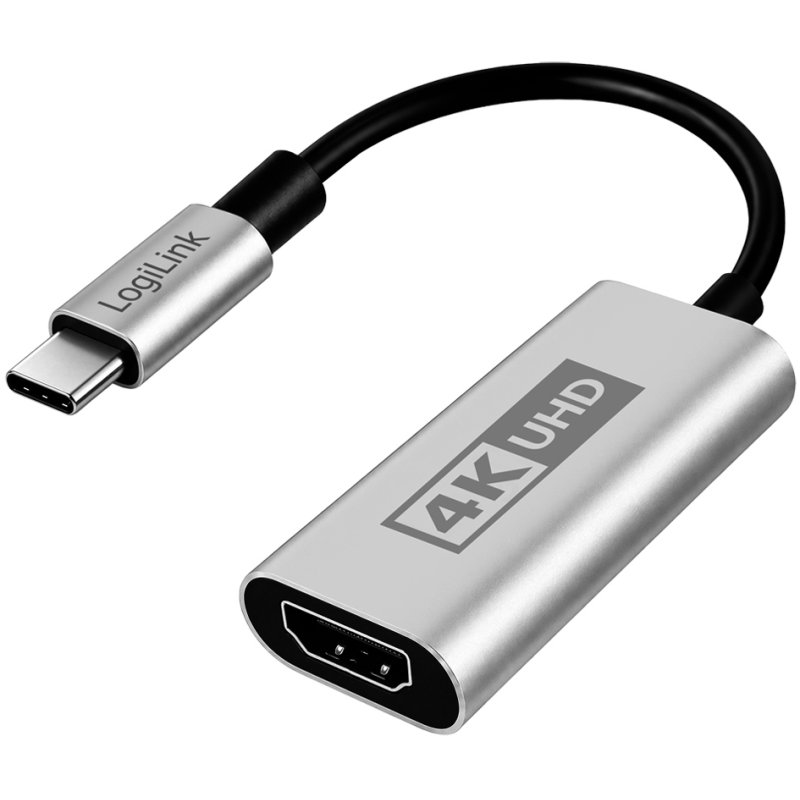
This cable converts a USB-C connection to an HDMI-A connection, so you can connect a monitor, projector or television with an HDMI input to a device with a USB-C port. At 15 cm long, it is a compact intermediate adapter that you plug directly into the port of your laptop or tablet, without loose cables getting in the way.
When is this the right choice?
Choose this adapter if you regularly connect an external display and do not need a long cable, but instead want a short, neat connection. The USB-C 3.2 Gen1 plug connects to an HDMI-A 2.0 socket, which means you can pass video signals to a full HDMI 2.0 display. Please note: your device must support USB-C DP/HDMI Alternate Mode — without that support, the adapter will not work.
What does the construction mean in practice?
The housing is made of aluminium, which keeps the adapter sturdy when it is frequently plugged in and unplugged. The contacts are gold-plated, which ensures a reliable connection and less oxidation over time. In addition, the cable is double-shielded, which protects against external interference and contributes to a more stable video signal.
Practical tip on compatibility
Before purchasing, check the manual or specifications of your laptop, tablet or smartphone to see whether USB-C DP Alternate Mode or HDMI Alternate Mode is supported. This is separate from the USB-C format itself: not every USB-C port transmits a video signal. Many modern business laptops and MacBooks do support this, but budget devices or older models do not always do so.
This cable converts a USB-C connection to an HDMI-A connection, so you can connect a monitor, projector or television with an HDMI input to a device with a USB-C port. At 15 cm long, it is a compact intermediate adapter that you plug directly into the port of your laptop or tablet, without loose cables getting in the way.
When is this the right choice?
Choose this adapter if you regularly connect an external display and do not need a long cable, but instead want a short, neat connection. The USB-C 3.2 Gen1 plug connects to an HDMI-A 2.0 socket, which means you can pass video signals to a full HDMI 2.0 display. Please note: your device must support USB-C DP/HDMI Alternate Mode — without that support, the adapter will not work.
What does the construction mean in practice?
The housing is made of aluminium, which keeps the adapter sturdy when it is frequently plugged in and unplugged. The contacts are gold-plated, which ensures a reliable connection and less oxidation over time. In addition, the cable is double-shielded, which protects against external interference and contributes to a more stable video signal.
Practical tip on compatibility
Before purchasing, check the manual or specifications of your laptop, tablet or smartphone to see whether USB-C DP Alternate Mode or HDMI Alternate Mode is supported. This is separate from the USB-C format itself: not every USB-C port transmits a video signal. Many modern business laptops and MacBooks do support this, but budget devices or older models do not always do so.
Specifications according to the manufacturer
USB-C - HDMI-A adapter cable, aluminium housing
• USB-C 3.2 Gen1 plug - HDMI-A 2.0 socket
• complies with the USB-C specification
• connected devices must support USB-C DP/HDMI Alternate Mode
• Resolution: Ultra HD up to 4K/60 Hz, 3840x2160 dpi
• double shielded
• with flexible TPE cable
• gold-plated contacts
Application examples:
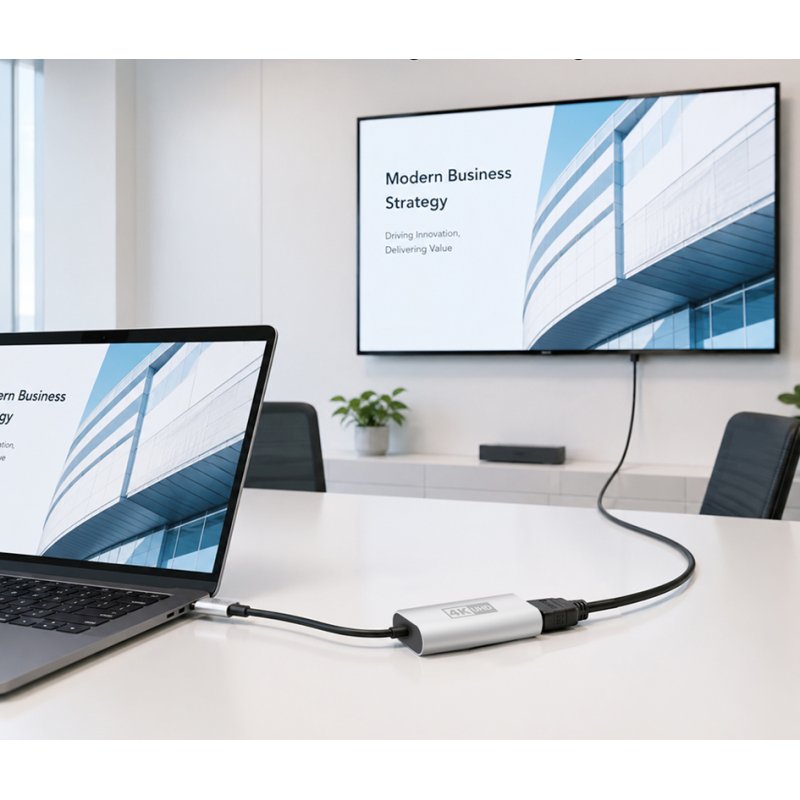
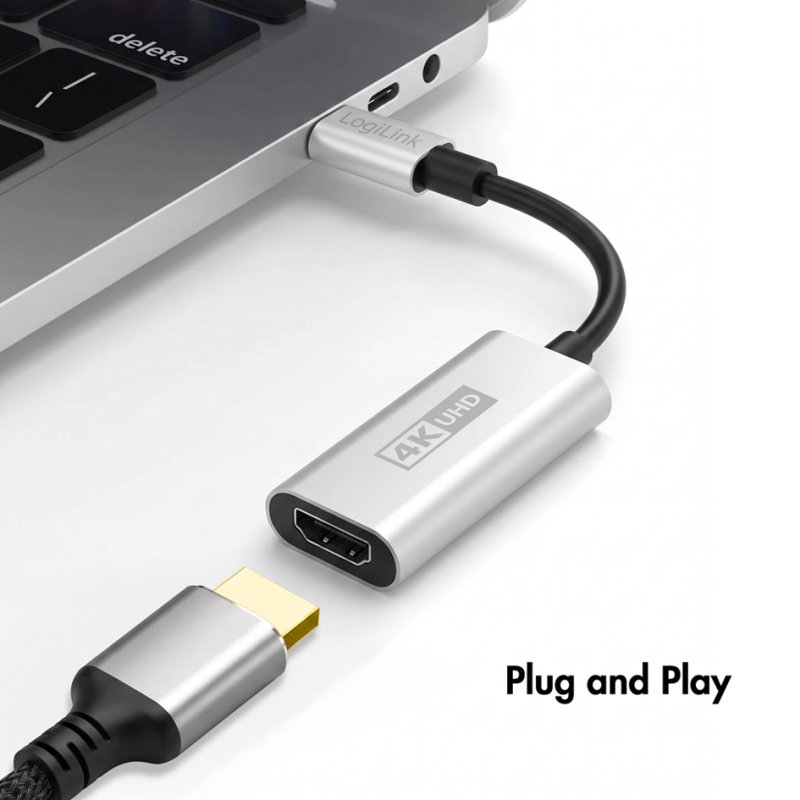
- for connecting a notebook, tablet or PC to a monitor or projector with an HDMI connection
- the connected display can act either as a mirror or as an extended desktop of the primary PC screen
• USB-C 3.2 Gen1 plug - HDMI-A 2.0 socket
• complies with the USB-C specification
• connected devices must support USB-C DP/HDMI Alternate Mode
• Resolution: Ultra HD up to 4K/60 Hz, 3840x2160 dpi
• double shielded
• with flexible TPE cable
• gold-plated contacts
Application examples:
- for connecting a notebook, tablet or PC to a monitor or projector with an HDMI connection
- the connected display can act either as a mirror or as an extended desktop of the primary PC screen
Manufacturer
Hazard information
No hazard classification applies according to the available manufacturer and supplier information.
This product contains no substances classified as hazardous under the CLP Regulation.
This product contains no substances classified as hazardous under the CLP Regulation.
Product information checked by XtremeOffice
This page has been compiled based on information from the manufacturer and our supplier. Last checked on 07-11-2026.
This page has been compiled based on information from the manufacturer and our supplier. Last checked on 07-11-2026.
×
‹
›
![]()